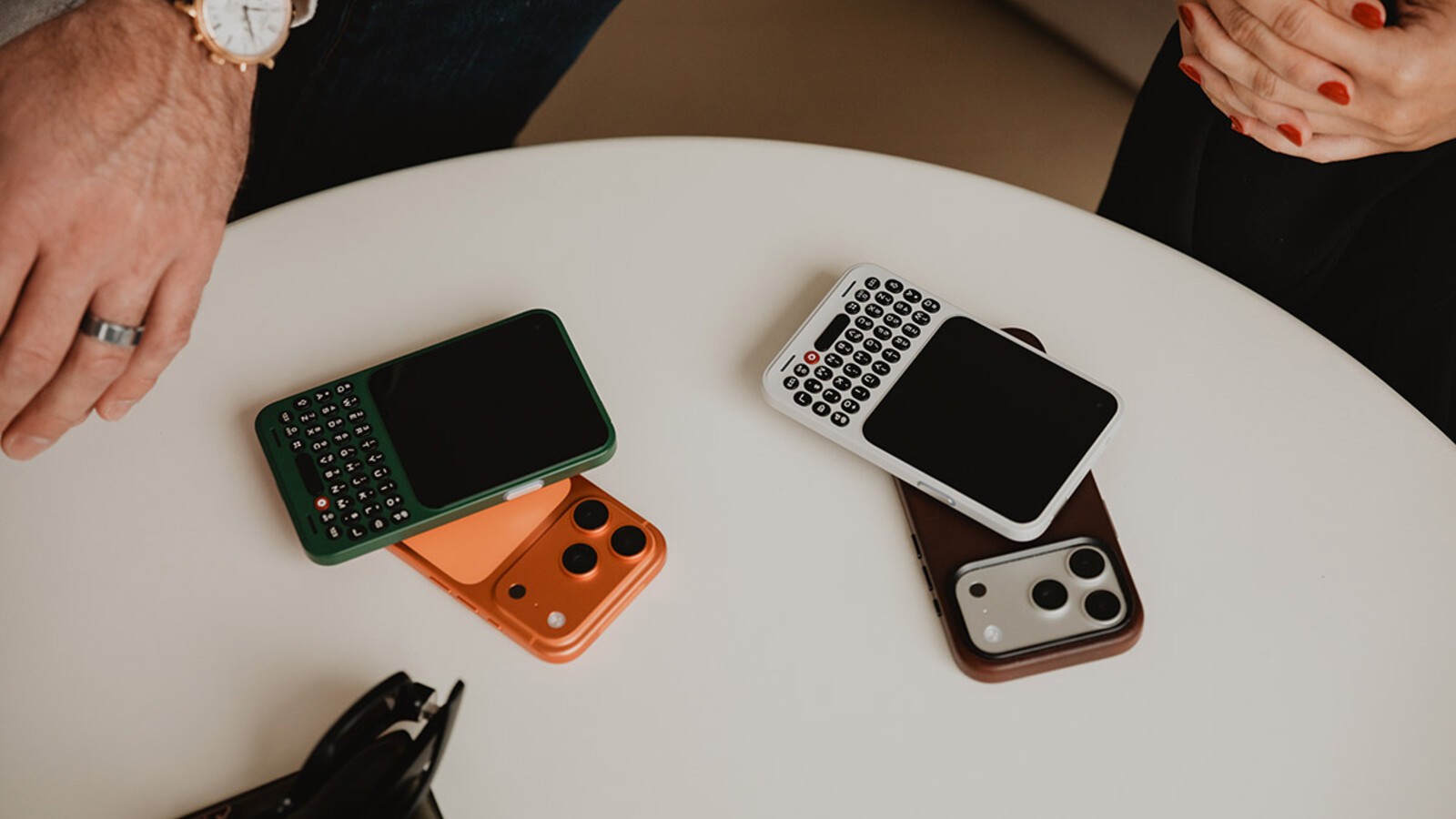
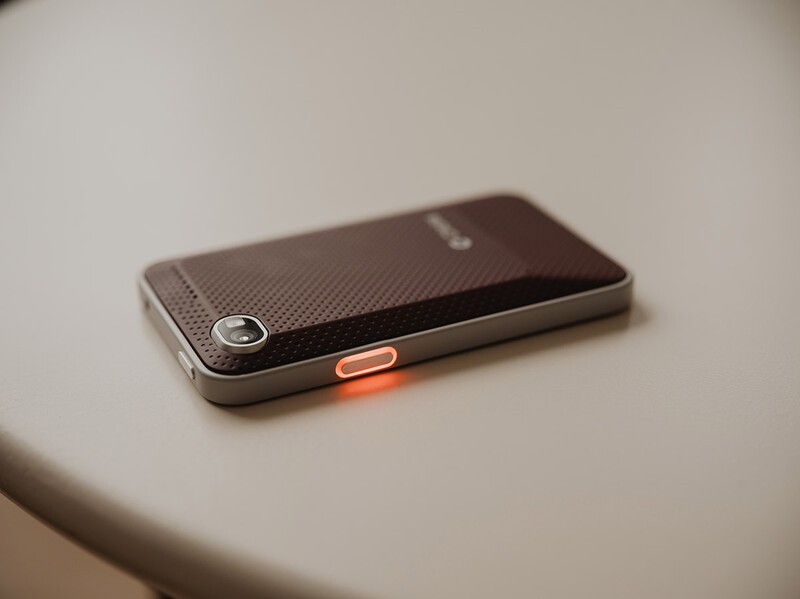
Communicator is designed to be the right tool for the task: communicating with confidence in a noisy world. It's the reason why we're focused on building an experience that provides optimal context, versatile input and greater control. This spirit has guided every decision, from industrial design details like the contoured keys and sloped back to the selection of the individual components themselves, including the chipset. Everything is intentional.
A system on a chip (SoC) is the power plant of your phone. The engine that powers the experience. An SoC is made up of several components: the CPU for processing, GPU for graphics, modem for connectivity, AI engine for emerging features, and an image processor for the camera, among other things.
This understanding is important because when building a phone from the ground up like Communicator, you have the opportunity to make decisions around what you're optimizing the platform to excel at.
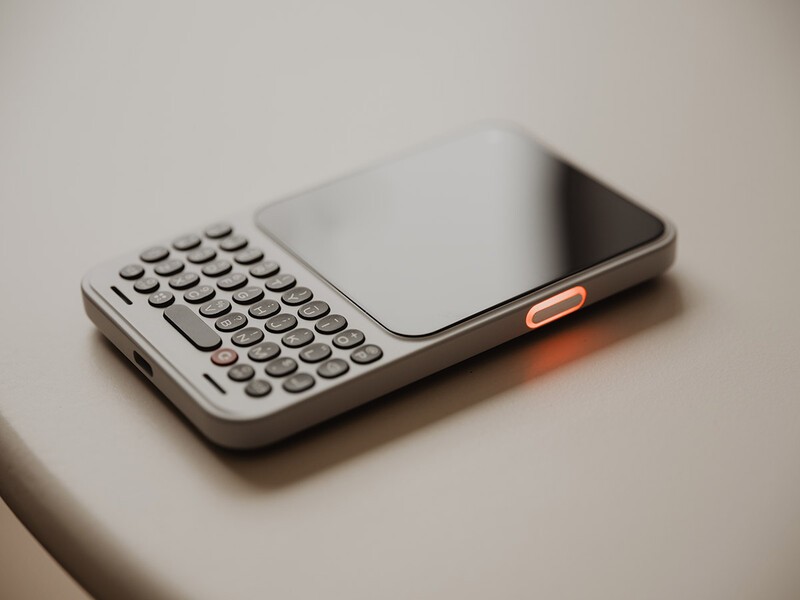
We've chosen the MediaTek MT8883 platform to power Communicator. Built on the same modern architecture foundation as the Dimensity 8300 family, the MT8883 chipset is an upper-midrange platform based on a modern 4nm architecture that delivers a fast, responsive experience, with performance headroom to spare.
Within the MediaTek lineup, the MT8883 shares many of the same architectural foundations as the Dimensity 8300 family, but with several key advantages that align with the experience we're looking to optimize Communicator to deliver.
As a long-life MediaTek platform, the MT8883 gives Communicator an extended window for Android OS updates (up to Android 20) and security updates (through 2031). We feel this is critical for a modern communicator that will become an essential part of your everyday carry. While many people update their flagship every 24-29 months, your Communicator should provide you with a longer useful life.
Second, the platform includes dedicated on-device AI capabilities designed to support modern Android features and future intelligent experiences. While Communicator isn't designed to be filled with AI-slop, we recognize that AI presents an opportunity to reshape what communications looks like in the modern era. We wanted to choose an SoC platform that provided ample performance headroom to support AI experiences in the future, such as apps or services tied to the Prompt key.
Lastly, the MT8883 platform gives us power management advantages when optimizing Communicator's silicon-carbon battery, for great battery life. Between the 4,000 mAh silicon-carbon battery, 4.03" OLED display, and chipset, Communicator is poised to offer customers battery life they can count on to stay in touch and be productive on the go.
Thanks to the stronger-than-expected demand for Communicator since opening reservations earlier this year, we have been able to step up to a more advanced platform that ensures Communicator offers plenty of performance headroom for years to come. In short, we didn't choose the MT8883 to win spec sheets and benchmark tests; we chose it to ensure Communicator delivers on its promise in the real-world, every time you pick it up.
Read more

The Power User's Guide For The Clicks Power Keyboard
The Clicks Power Keyboard is a command center for your whole tech ecosystem. And once you push past the basics of typing, to get the most out of your Power Keys, try these tips and tricks!

How to Use Clicks Power Keyboard Across Your Gadgets
Treating the Power Keyboard solely as a phone accessory leaves its best capabilities on the table. This guide will share some ways users have told us they now count on Power Keyboard for their whole tech ecosystem.

What is ‘premium’? It’s more than meets the eye.
Everything about Clicks Communicator has been designed to deliver a premium communication experience from the inside, out.

Introducing the Communicator Ring
Communicator Ring is a minimalist bumper case that gives Clicks Communicator an added layer of protection while complementing its design.