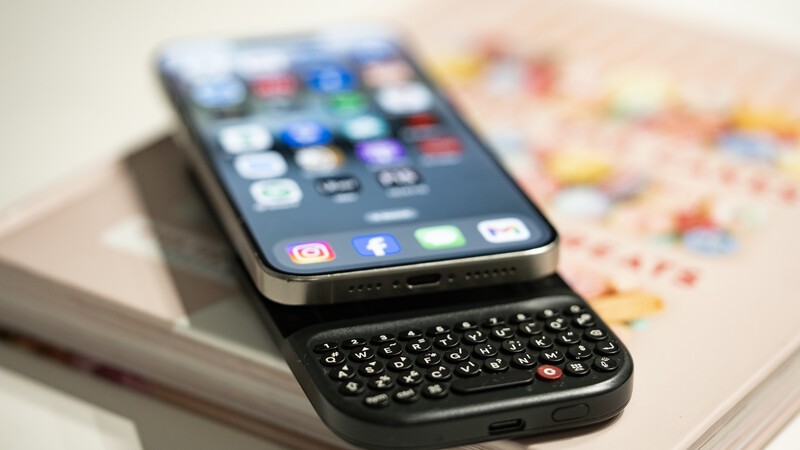
Pro Mode Unlocked
The Clicks Power Keyboard is a command center for your whole tech ecosystem. And once you push past the basics of typing, to get the most out of your Power Keys, try these tips and tricks!
Treating the Power Keyboard solely as a phone accessory leaves its best capabilities on the table. This guide will share some ways users have told us they now count on Power Keyboard for their whole tech ecosystem.
Spec upgrades, new accessories, and more. Last chance to lock in the USD $499 launch price is September 30.
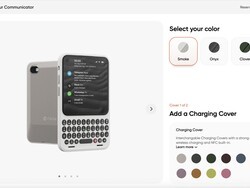
New configuration tool lets you preview colors, Covers, accessories and more…
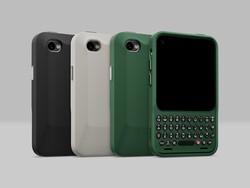
MNML case and Prism screen protector available to add when you configure your Communicator.
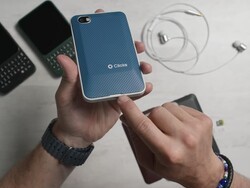
Communicator packs a 4,350 mAh battery rated for 800+ charge cycles

Accidental damage and extended warranty for Clicks Communicator
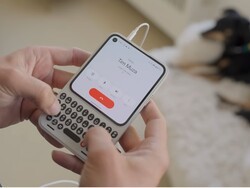
US and UK customers get 2 months free when they activate a Clicks Mobile plan.
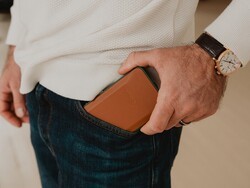
Everything about Clicks Communicator has been designed to deliver a premium communication experience from the inside, out.
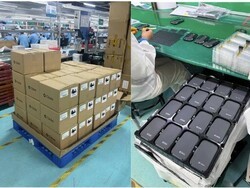
As July wraps up we wanted to provide an update on Power Keys manufacturing and fulfillment. We know the wait has felt long, and so we want to be open about exactly where things stand. Manufacturing of all pre-orders is on schedule to be completed by August 14th. Here's how that breaks down by order date: Batch 1 (Jan 2-Feb 8): By the end of today, we expect that 75% of batch 1...
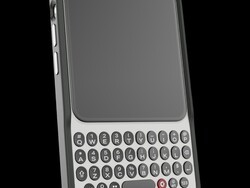
Communicator Ring is a minimalist bumper case that gives Clicks Communicator an added layer of protection while complementing its design.
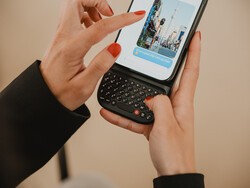
First pre-orders shipping in May. Plus a look behind the scenes at manufacturing.
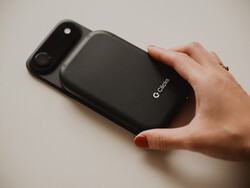
An update from Team Clicks on the new Clicks Power Keyboard. New features and shipments begin in May.
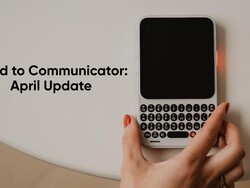
An update from Team Clicks on the schedule and timeline of bringing the Clicks Communicator to market in 2026.
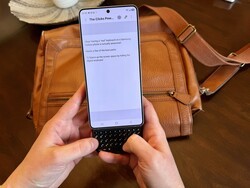
At Clicks, we believe your technology should work for you, not against you. Since the beginning, we've been dedicated to helping people reclaim their screen real estate and rediscover the precision that only a physical keyboard can provide. With the launch of the Clicks Power Keyboard, we're bringing that high-performance tactile experience to a massive new world of devices....
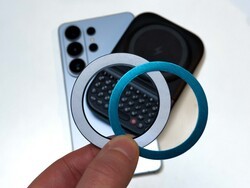
The Clicks Power Keyboard relies on a high-strength magnetic connection to "snap" onto the back of your smartphone. While this is a native feature for some devices, Samsung Galaxy phones just refuse to adopt this feature. Having a built-in magnetic ring in the chassis is standard with many other phones, but not galaxy devices. At least not as of 2026. Having no magnetic ring on...
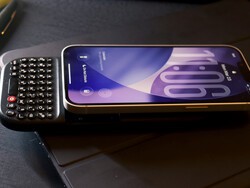
The iPhone 17e is a capable and lower-cost iPhone. Since you're saving some cash on the hardware, it's a little easier to spend your money on accessories to improve the phone experience. In this article, we'll show you how to get up and running with the Clicks Power Keyboard on iPhone 17e.
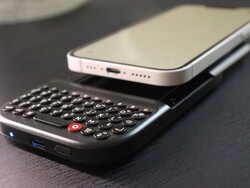
Yes, you can easily add a physical keyboard to your iPhone 17e by pairing it with the Clicks Power Keyboard.
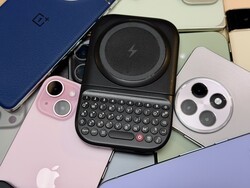
One of the most frequent questions we receive is whether the new Clicks Power Keyboard will fit a specific phone model. While our original keyboard cases were precision-engineered for specific flagship models. The Power Keyboard marks a significant shift toward universal, cross-device compatibility. Because Power Keys uses a magnetic attachment system rather than a wrap-around...
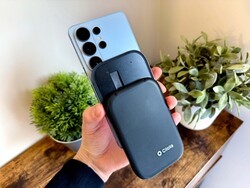
One of the most frequent questions we get at Clicks is: "Will it fit my phone?" With the launch of the Clicks Power Keyboard, the answer is almost certainly yes. Unlike our original case-style keyboards, the Power Keyboard uses a universal magnetic slider. This means that as long as your phone has a way to attach to a magnet (built-in, through a compatible case, or by adding a magnetic...
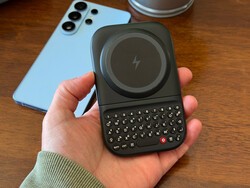
For years, the Samsung Galaxy experience has involved a silent trade-off. We gained some of the most stunning mobile displays in the world, but we keep losing that real estate to the digital keyboard any time we try and get stuff done. The moment you need to reply to a Slack message or draft an email, that virtual keyboard slides up and consumes nearly half of that beautiful Infinity...