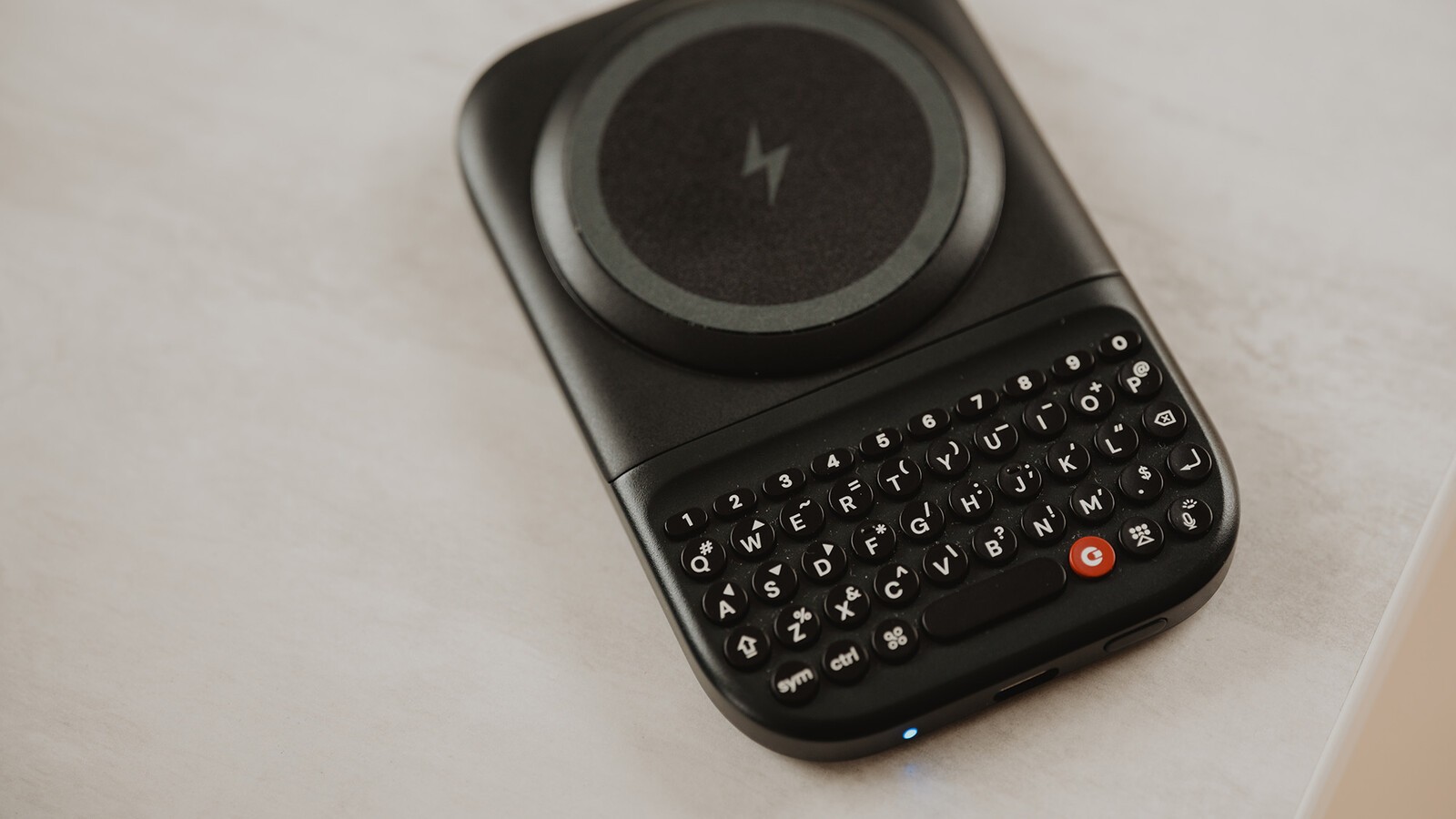
An important step in bringing any Clicks product to market is extensive quality assurance testing before products move into mass production. Clicks Power Keyboard is no different. To ensure impartiality and accountability to our high standards, we have our reliability testing conducted by an independent, third party lab. Here's a closer look at how we're putting Power Keyboard through its paces in the lab.
Slide out keyboard
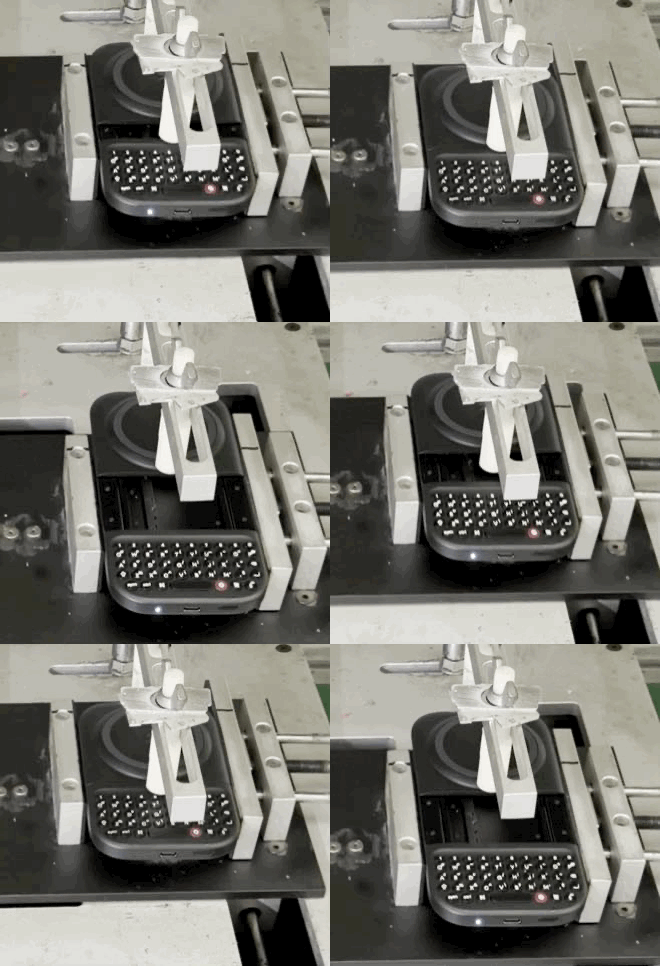
The slide out keyboard is one of the many things that makes Power Keys a versatile and compact keyboard. Ensuring the reliability of the slider is a top priority for our testing. Each open and close of the keyboard represents one cycle. The slider is being tested to ensure it surpasses 100,000 cycles, using varying levels of force.
Keyboard buttons
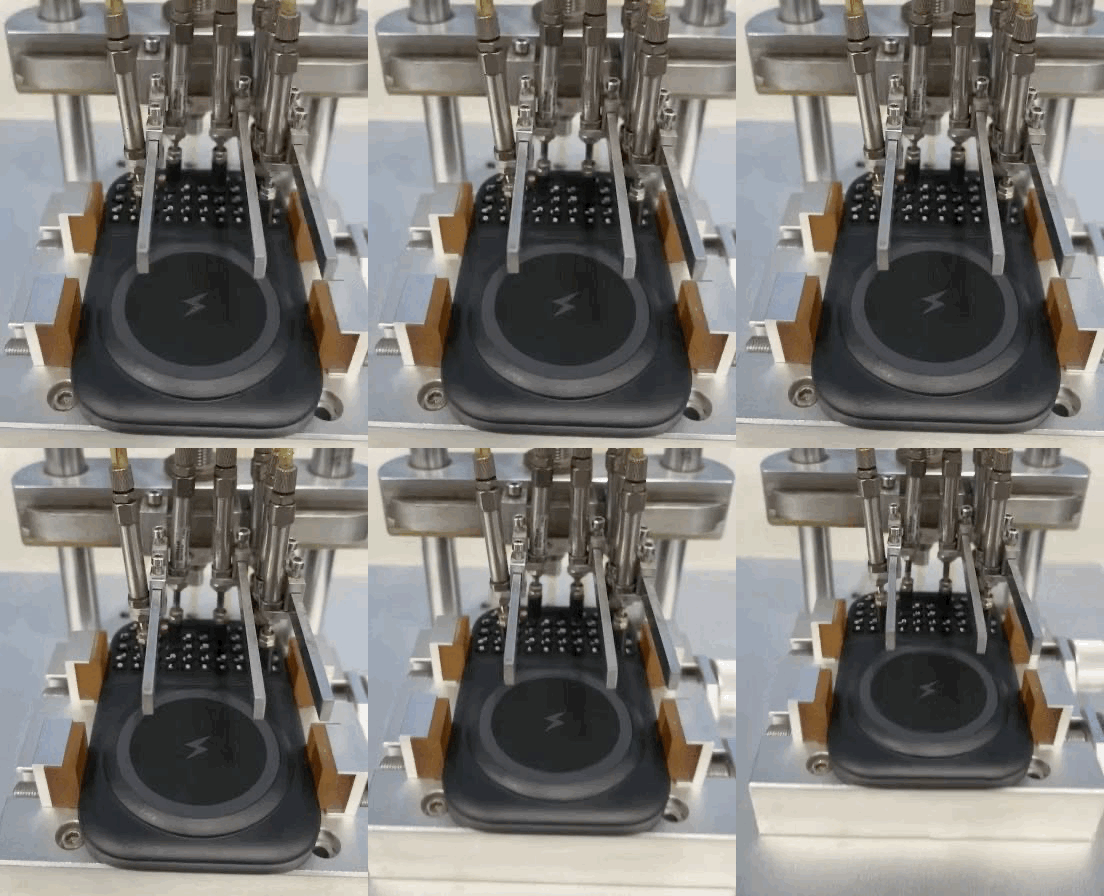
The buttons are the surface you will have the most contact with, so we're performing extensive button lifespan testing. We simulate a typical key press starting at 2mm from the keyboard using light pressure (about the same amount of force it takes to push a small book across a table). The test conducts 200,000+ key presses on the main keyboard and 100,000 key presses of the power key to ensure the buttons input text normally. Throughout this test we stop every 10,000 key presses to evaluate factors like button elasticity, fit and structural activity as well as appearance and wear.
Power Consumption
As we evaluated standby power consumption early on in the testing process we saw higher than desired power consumption of 2.8 mAh. This gave us an opportunity to upgrade the hall sensor resulting in reduced standby power consumption of only 0.6 mAh, a 79% improvement.
Drop & tumble testing
We're drop testing Power Keys from a variety of heights.
We perform what we call a 'micro drop test' from a height of 7cm. In the micro drop test, we drop the product 1,000 times on each side, for a total of 6,000 drops! We're looking to ensure that Power Keys continue to function, but as you can imagine minor scratches on the exterior or slight cracks in the paint finish are acceptable.
We also drop test from a height of 1 meter onto a concrete floor or steel plate to ensure no permanent damage is permitted. In this test, each of the sides is dropped twice to ensure structural integrity is maintained.
To simulate rolling, we also place the Power Keys in a drum where it is rolled a minimum of 100 times. The goal here is to ensure that appearance, functionality, and structure are maintained, even if minor scratches on the exterior or slight cracks in the paint finish occur.
Environmental testing
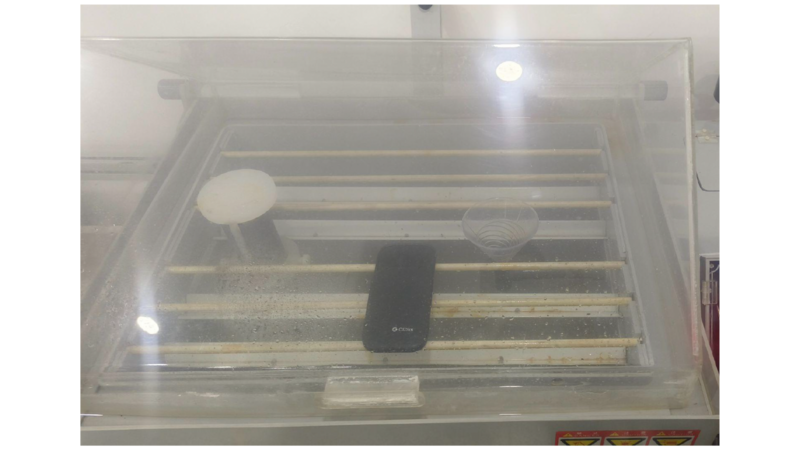
We're also putting Power Keyboard through a series of 20+ environmental tests to simulate different temperatures and substances that it might come into contact with in real-world scenarios.
Power Keys gets exposed to high temperature (65 degrees C) and high humidity (90%) for extended periods of 96 hours or more to test paint adhesion.
We also test temperature extremes where the product spends time at temperatures as low as -40 C and as high as 75 C to test for criteria like deformation, adhesion, and hardening.
The impact of substances like sweat, cosmetics (such as mosquito repellent and sunscreen), and alcohol are also evaluated.
USB-C connection
The USB-C connector is put through rigorous testing to ensure contact is strong even after many cycles. One cycle constitutes a USB-C cable being plugged in to and removed from Power Keys. We're testing 5,000 cycles, with the product being inspected every 500 cycles to ensure the USB functions properly with no signs of poor contact.
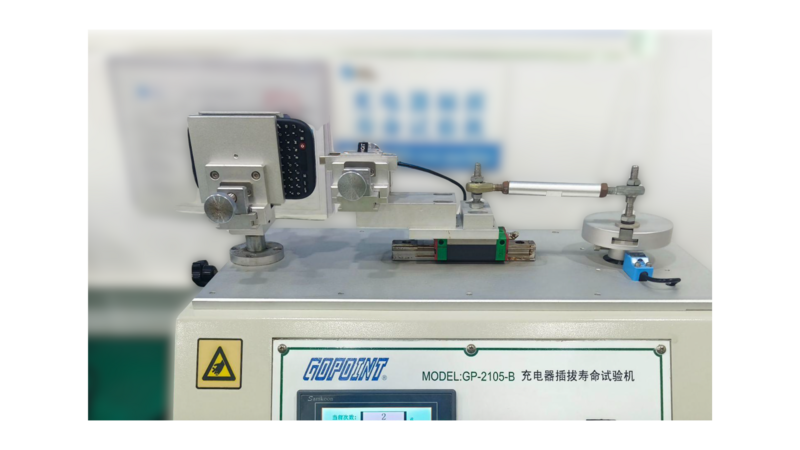
These are just a few of the 45+ tests we're performing on Power Keyboard before ramping up final production on our path to shipping this spring.
Read more
The Power User's Guide For The Clicks Power Keyboard
The Clicks Power Keyboard is a command center for your whole tech ecosystem. And once you push past the basics of typing, to get the most out of your Power Keys, try these tips and tricks!
How to Use Clicks Power Keyboard Across Your Gadgets
Treating the Power Keyboard solely as a phone accessory leaves its best capabilities on the table. This guide will share some ways users have told us they now count on Power Keyboard for their whole tech ecosystem.
What is ‘premium’? It’s more than meets the eye.
Everything about Clicks Communicator has been designed to deliver a premium communication experience from the inside, out.

Introducing the Communicator Ring
Communicator Ring is a minimalist bumper case that gives Clicks Communicator an added layer of protection while complementing its design.